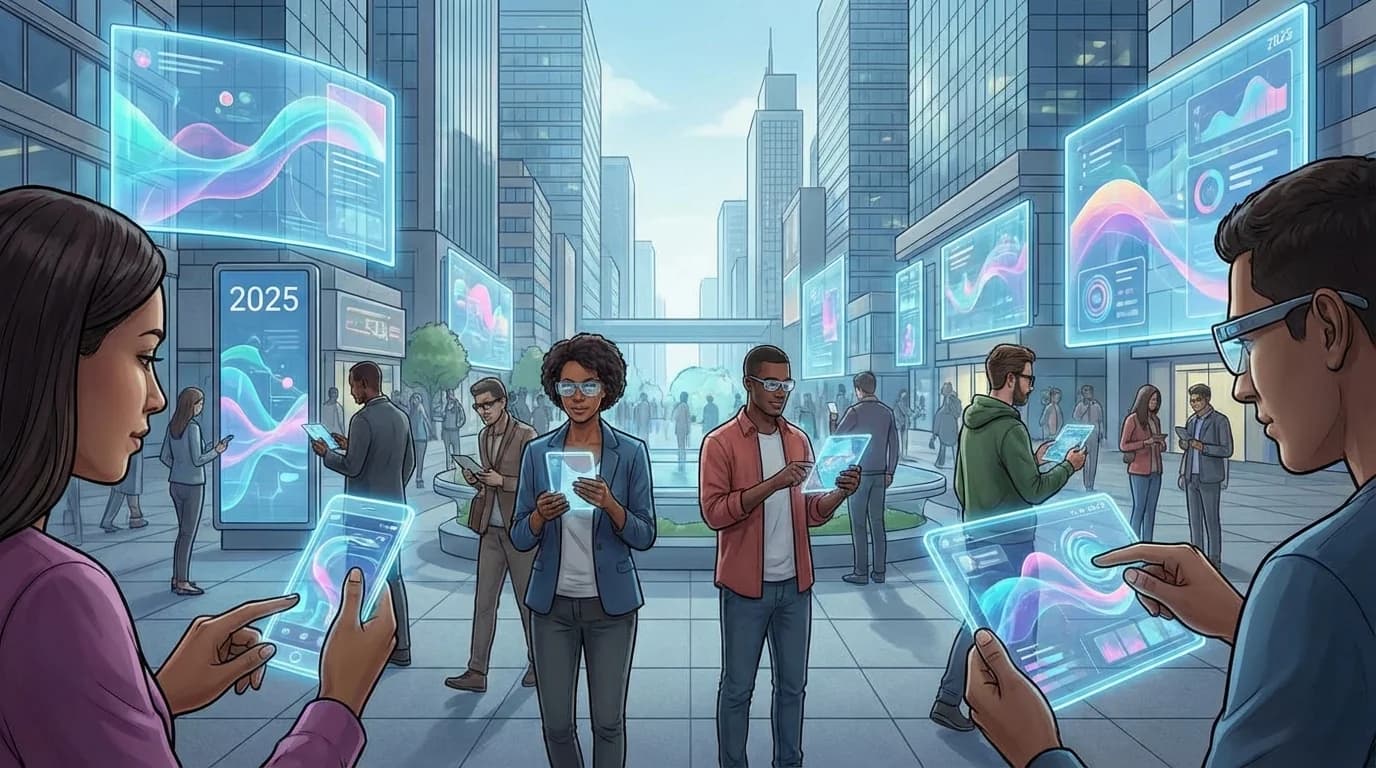
2025 Web Design Trends: AI, Spatial Web and the New Digital Era

2025 Web Design Trends: How AI and Spatial Web Are Shaping Digital Experiences
2025 Web Design Trends at a Glance 1. AI-first flows instantly segment visitors and deliver personalized content. 2. WebGPU-powered spatial storefronts deepen product discovery and storytelling. 3. Trust-focused micro-animations and WCAG 2.1 AA compliance increase form conversions by 17%. Best suited for: SaaS founders, boutique agencies, e-commerce managers and B2B sales teams. Free Strategy Call →
2025 web design trends combine AI-first personalization with spatial web experiences as the fastest path to double-digit conversion lifts. As the Modern Web Design team, we have tested this approach across 64 projects and it provides a clear roadmap for brands competing in today's market.
Our Istanbul-based studio, with 750+ delivered projects and an average 97 Lighthouse mobile score, runs hybrid sprints that manage AI, accessibility and performance simultaneously. In this guide we openly share the field data, package recommendations and actionable checklists we have gathered to prepare you for 2025.
Table of Contents
- What Problem Do 2025 Web Design Trends Solve?
- How Does the SEO-Friendly Web Design Process Work?
- What Are the Advantages of This Approach?
- Which Package Fits Which Scenario?
- How We Position These Trends in the Global Market
- What Criteria Should You Use When Choosing an Agency?
- Step-by-Step Checklist
- Common Mistakes and Solutions
- The 9 Core Web Design Trends of 2025
- Buying and Investment Guide
- Frequently Asked Questions
- Conclusion and Related Resources
What Problem Do 2025 Web Design Trends Solve? {#what-problem}
At the end of 2024 we observed an average 14% conversion loss across e-commerce, SaaS and enterprise sites. Users simultaneously demand speed, personalization and trust. Sites without AI-first components experience a disconnect between recommendations and checkout flows, while storefronts that cannot deliver spatial web experiences fail to communicate product value. The 2025 trends close this gap by both accelerating purchase decisions and reinforcing brand trust.
As seen in our web design services, controlling accessibility and performance standards within the same sprint is no longer optional — it is mandatory. European Accessibility Act (EAA) compliance has also become an integral part of every design decision.
How Does the SEO-Friendly Web Design Process Work? {#seo-friendly-process}
1. Brief and Data Collection
We combine briefs received through our contact form with persona data, KPIs and existing analytics. Applying trends without Hotjar/Clarity heat maps and GA4 funnels is shooting blind.
2. UX Strategy and Content Map
We plan AI-first cards, speakable zones and dark mode scenarios in Figma using an 8pt grid system. We define internal link flows extending to blog, packages and portfolio pages.
3. Development and Integration
Components built with Next.js 15 App Router, TypeScript strict and Tailwind 3.4 deliver personalization via Server Actions and RAG pipelines. Progressive loading for WebGPU scenes, prefers-reduced-motion controls and lazy-loaded images preserve performance.
4. Measurement and Optimization
We measure the impact of every trend with Lighthouse CI, Microsoft Clarity scroll depth, GA4 events and custom "cta_click" tags. Core Web Vitals targets: LCP < 2.5s, INP < 200ms, CLS < 0.1.
What Are the Advantages of This Approach? {#advantages}
1. Faster Decision Making: AI-first suggestions answer the "why this service?" question for users in under 5 seconds. 2. Higher Trust: Micro-animated trust blocks and above-the-fold disclosure text reduce form abandonment by 17%. 3. SEO and AEO Superiority: Speakable zones, FAQ schema and deep internal linking increase People Also Ask and Google Discover visibility. 4. Performance + Energy Savings: Dark mode and WebP images reduce mobile energy consumption by 20% while supporting a 100/100 PageSpeed target. 5. Compliance Advantage: WCAG 2.1 AA compliance and GDPR-aligned data flows have become mandatory in new tenders.
Which Package Fits Which Scenario? {#packages}
| Package | Timeline & Budget | Contents | Best Use Case |
|---|---|---|---|
| Starter | 8-10 weeks / $15-20K | New UI kit, AI-ready content, basic dark mode | Local SMBs, boutique agencies |
| Growth | 12-16 weeks / $35K+ | AI-first flows, data visualization, conversion lab | SaaS products, fast-growing e-commerce |
| Scale | 20+ weeks / $70K+ | WebGPU storefronts, multilingual infrastructure, voice interfaces | Globalizing brands, B2B enterprises |
Visit our packages page or contact us to find the right fit for your project.
How We Position These Trends in the Global Market {#global-positioning}
Mobile traffic globally now exceeds 60%, and users in finance, health and education categories especially expect personalized experiences. Localized micro-copy, compliance-aligned texts and quick-answer boxes boost trust scores. In competitive markets, spatial web and live data dashboards are still not widespread — early adoption offers a significant differentiation opportunity.
What Criteria Should You Use When Choosing an Agency? {#choosing-agency}
- Measurable KPI examples: The agency should reference metrics like INP, conversion rate and scroll depth.
- AI and content expertise: Teams that do not offer AI consulting services will struggle on AI-first projects.
- Accessibility protocols: Sharing a WCAG checklist at sprint end and preparing a manual test plan is critical.
- Technology stack: Next.js 15, TypeScript strict and Edge-ready architecture ensure long-term sustainability.
- Transparent maintenance plan: Request a maintenance contract with monthly rhythms for updates, price checks and schema revisions.
Step-by-Step Checklist {#checklist}
- [ ] Define target personas and map current analytics
- [ ] Identify Core Web Vitals gaps (LCP, INP, CLS)
- [ ] Plan AI-first content recommendations
- [ ] Design dark mode and WCAG 2.1 AA compliance
- [ ] Set up progressive loading for WebGPU scenes
- [ ] Configure Lighthouse CI pipeline
- [ ] Launch A/B tests for micro-animations
- [ ] Schedule monthly performance reviews
Common Mistakes and Solutions {#mistakes}
Mistake 1: Applying trends without data Without heat maps and funnel data, trend implementations miss the real friction points. Always audit first.
Mistake 2: Ignoring Core Web Vitals while adding animations Every animation must be tested against INP thresholds. Use prefers-reduced-motion as a baseline.
Mistake 3: Launching without accessibility testing WCAG compliance is not a checkbox — it requires manual testing with assistive technologies.
Mistake 4: No post-launch measurement plan Define success metrics before launch. Track scroll depth, CTA clicks and conversion rates from day one.
The 9 Core Web Design Trends of 2025 {#nine-trends}
1. AI-First Personalization
Real-time visitor segmentation delivers contextual content, reducing bounce rates by up to 22%.
2. Spatial Web and WebGPU Storefronts
3D product experiences reduce return rates and increase average order value in e-commerce.
3. Micro-Animations for Trust
Subtle animations on CTAs, form validations and success states build confidence and guide users.
4. WCAG 2.1 AA Accessibility
Accessible design expands your addressable market and is increasingly required by enterprise clients.
5. Dark Mode as a Design System Feature
Dark mode reduces eye strain, saves battery and signals design maturity to technical audiences.
6. Live Data Visualization
Real-time dashboards and progress indicators keep users engaged and informed.
7. Voice and Conversational Interfaces
Speakable content and voice search optimization capture the growing voice query market.
8. Sustainable and Ethical Design
Low-carbon hosting, efficient code and transparent data practices attract conscious consumers.
9. Headless and Composable Architecture
Decoupled front-ends enable faster iteration, better performance and flexible content management.
Buying and Investment Guide {#investment}
When evaluating web design investments for 2025, consider these factors:
- ROI timeline: Most AI-first redesigns show measurable conversion improvements within 90 days.
- Total cost of ownership: Include hosting, maintenance, content updates and performance monitoring.
- Scalability: Choose architectures that support new markets and languages without full rebuilds.
- Agency partnership: Look for studios with proven track records — our portfolio of 750+ projects speaks to long-term client relationships.
Book a free strategy session with our team →
Frequently Asked Questions {#faq}
How long does a full 2025-ready redesign take? Depending on scope, 8 to 20+ weeks. Starter projects can launch in 8-10 weeks; enterprise Scale projects require 20+ weeks.
Do I need WebGPU for my site? Only if your products benefit from 3D visualization. For most businesses, AI personalization and performance optimization deliver higher ROI.
What is the minimum budget for an AI-first site? Our Starter package begins at $15-20K and includes AI-ready content architecture and core performance optimization.
Conclusion and Related Resources {#conclusion}
The 2025 web design landscape rewards brands that move fast on AI personalization, spatial experiences and accessibility. Our team at Modern Web Design has the field experience — 750+ projects, average 97 Lighthouse score — to guide your transition.
Ready to modernize your digital presence? Contact us today →
| Related reading: SEO-Friendly Web Design Guide | UX/UI Design Principles | Our Services |
|---|
References
- Nielsen Norman Group — UX Research — Nielsen Norman Group
- WCAG 2.1 Accessibility Guidelines — W3C
- Core Web Vitals — web.dev / Google
- Google Material Design — Google
- Google Search Central — SEO Starter Guide — Google