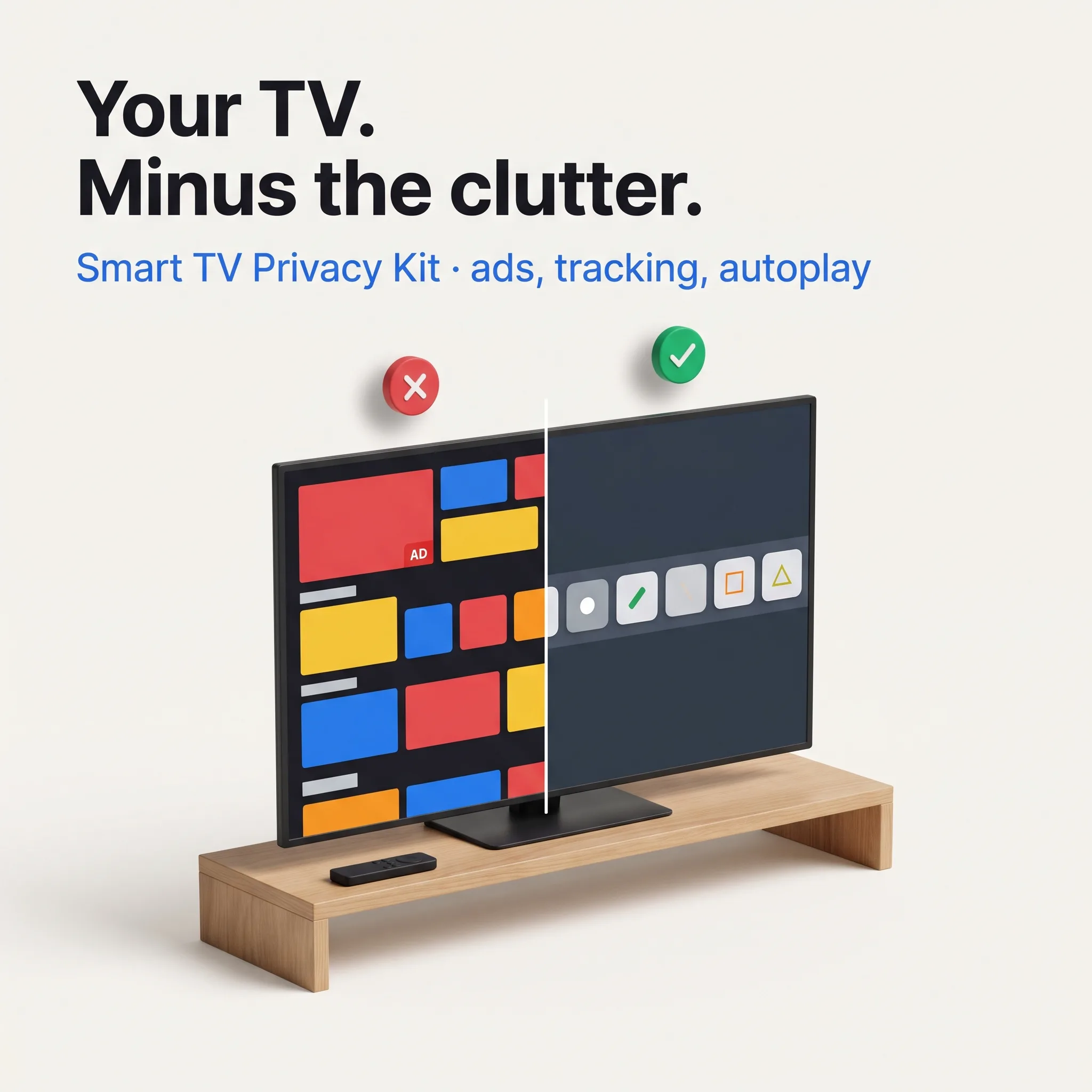
Smart TV Privacy Kit
Cut Home Screen Ads, Tracking and Autoplay on Google TV, Fire TV, Samsung, LG and Roku
What it is
Your TV shows you ads before you pick a show. It may also report what you watch. You turn on the TV and a trailer starts playing on its own.
Your TV shows you ads before you pick a show. It may also report what you watch.
You turn on the TV and a trailer starts playing on its own. The top of the screen is a banner for something you never asked for. Rows of "recommended for you" push your own apps further down. And somewhere in the settings, a feature you never switched on is logging what is on your screen.
You have seen the posts and videos about fixing this. Most of them assume you know what ADB is, or they only cover one brand, or they skip the part where something goes wrong. This kit is the calm version: pick your TV, follow plain steps, undo anything you do not like.
What you get
- Start here: your path in 3 questions. What TV system do you have? Do you have an Android phone? Do you have a computer? The answers send you to the right file. No reading manuals.
- Find your TV in 30 seconds. Google TV, Android TV, Fire OS, Vega OS, Tizen, webOS, Roku OS or Vizio: how to tell which one you have, and why it matters.
- Level 1: settings clean-up, about 10 minutes, no risk. One page per brand: Google TV, Android TV, Fire TV, Samsung, LG, Roku and Vizio. Ad personalization, viewing-data tracking (ACR), autoplay and recommendation rows, switched off from the normal menu.
- Level 2: a cleaner home screen. For Google TV, Android TV and Fire TV. The remote-only path with a launcher from the Play Store, the Android phone path, and a brand-by-brand table for turning on developer options.
- Level 3: deep clean (optional). For people with a computer and an AI coding assistant. A careful prompt we wrote that only switches apps off (never uninstalls), works in small batches, asks before every change and saves an undo file first.
- Safety kit. An undo card for every path, the warning screens you will see and what to press, and a 5-minute check after a big TV update.
- Set up a parent's TV. A 20-minute plan for your next visit, and what to say if you are helping over the phone.
- Printable checklist. One page to keep next to the TV.
All of it as large-print PDFs, one per topic, plus a complete guide in one file.
What this kit does not do
- Ads inside streaming apps stay. If your Netflix, Prime Video or Hulu plan has ads, or you watch YouTube for free, those come from the app. No home screen change removes them.
- Google says ads on Google TV cannot be fully turned off. You can make them far less personal and push most of them out of sight. That is what this kit does.
- Some TVs only allow Level 1. Samsung, LG, Roku, Vizio and the newest Fire TV Sticks (Vega OS) do not let you replace the home screen in a simple way. The settings clean-up still makes a real difference there.
- No hacking, no pirate apps. Everything uses the settings and features your TV already has. We do not include or recommend apps that skip ads inside YouTube or other services.
Who it is for
- You are tired of the clutter but nervous about breaking the TV.
- You want your TV to stop collecting viewing data where it lets you.
- You are the person in the family who "does the tech" and you want one guide that covers every brand in the house.
Single or Family
Single: the full kit for your own TV. Family: the same kit for up to 3 TVs in your family, for example yours and your parents'.
Good to know
- Version 1.0, October 2026. Menu paths come from manufacturer support pages and recent reviews, with sources and dates on every page. Menus change with updates, so we update the kit and you get new versions free.
- Nothing in this kit deletes anything. Every step can be undone.
- We are not affiliated with Google, Amazon, Samsung, LG, Roku or Vizio. Brand names are used only to say which TV a page is for.