Private AI Office
Run AI on Client Files Without the Cloud. Setup Kit for Small Law Firms
What it is
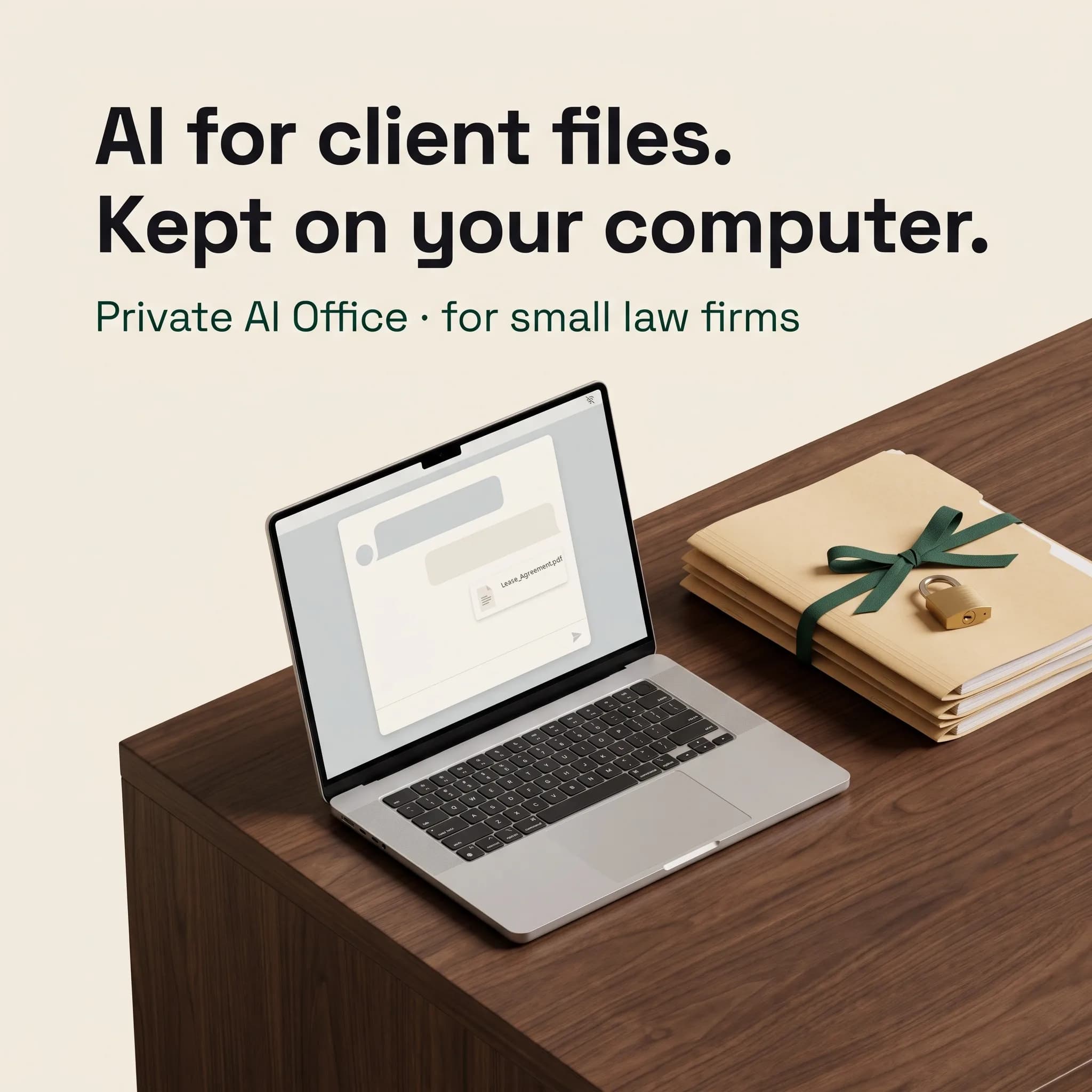
You want AI on client files. You do not want client files in someone else's cloud. Run the AI on your own computer. The documents stay on your disk.
You want AI on client files. You do not want client files in someone else's cloud.
You have seen what AI can do with a 40-page contract: pull every deadline, list the termination rights, draft the summary for the client. You have also read ABA Formal Opinion 512, which says that before you put client information into a self-learning AI tool you generally need the client's informed consent, and boilerplate in the engagement letter is not enough. So the contracts stay unread by AI, and the work stays slow.
There is another way. Run the AI on your own computer. The documents stay on your disk. No cloud account, no monthly AI subscription, and it keeps working with the Wi-Fi off. The tools are free. What is missing is someone who has made the choices for you and written the steps in plain English. That is this kit.
What you get
- Check your computer first. How to see your memory, disk and processor on Windows and Mac, and a three-tier table: 16 GB, 32 GB and 64 GB. If your laptop has 8 GB, we tell you plainly that it is not enough, before you spend an afternoon on it.
- Install, step by step. AnythingLLM Desktop (free, open source) on Windows and on Mac. Every click, every warning screen and what it means, your first workspace, your first uploaded document, your first question.
- One model per tier, already chosen. No comparing twenty models. One recommendation for each tier, with an open license that allows professional use.
- Lock it down. Which settings to switch off so nothing is shared, how to confirm every provider is local, and an offline proof test you can run and record yourself. Plus turning on BitLocker or FileVault, because local data also means a lost laptop is a risk.
- 65 ready-to-use legal prompts. Contract review, discovery and document summaries, client letter drafts, deposition prep, research memos. Each has fill-in fields, a "use only the uploaded documents" rule, and a line on what to check in the answer.
- Verify everything. How to check every output, with real sanction cases where lawyers filed AI-invented citations, and the habit that prevents it.
- Ethics kit. A checklist built on the text of ABA Formal Opinion 512 (competence, confidentiality, communication, supervision, fees, candor), links to state bar AI guidance, a client AI disclosure letter template and a one-page firm AI policy template, both in Word so you can adapt them.
- When it breaks. A fix-it table for the common problems: slow answers, scanned PDFs, very long documents, after an update.
- Upgrade path. What changes with a stronger machine, and the alternatives if you outgrow this setup.
Standard or Pro
Standard: the full kit. Pro: the full kit plus a written setup review by email. You send screenshots of your settings, your provider choices, your offline test result and your machine specs, never client documents. Within 3 business days you get a written review of your setup against this kit. No calls. Pro is limited to 5 reviews per month.
Straight answers
- Is a local model as good as ChatGPT or Claude? No. It is weaker at long, tricky reasoning. It is good at reading, summarizing, pulling clauses and drafting. Check every answer the way you would check a first-year associate's draft.
- Does this make my AI use compliant? No kit can promise that. Keeping data on your own machine removes one major risk. Whether your use meets your duties is your call and your state bar's. The ethics kit helps you prepare. It is not legal advice.
- Do I need to be technical? If you can install a normal program and drag a file into a window, you can do this. There is no terminal in the main path.
- What does it cost after this? Nothing for the AI itself. The app and the recommended models are free to download. You need a computer that meets the tier table.
Good to know
- Version 1.0, October 2026. Written for solo and small US law firms. Sources and dates on every page; free updates when the tools change.
- No software or AI model is bundled. You download everything from the official sources we link.
- Not affiliated with the ABA, any state bar, AnythingLLM or any model maker.