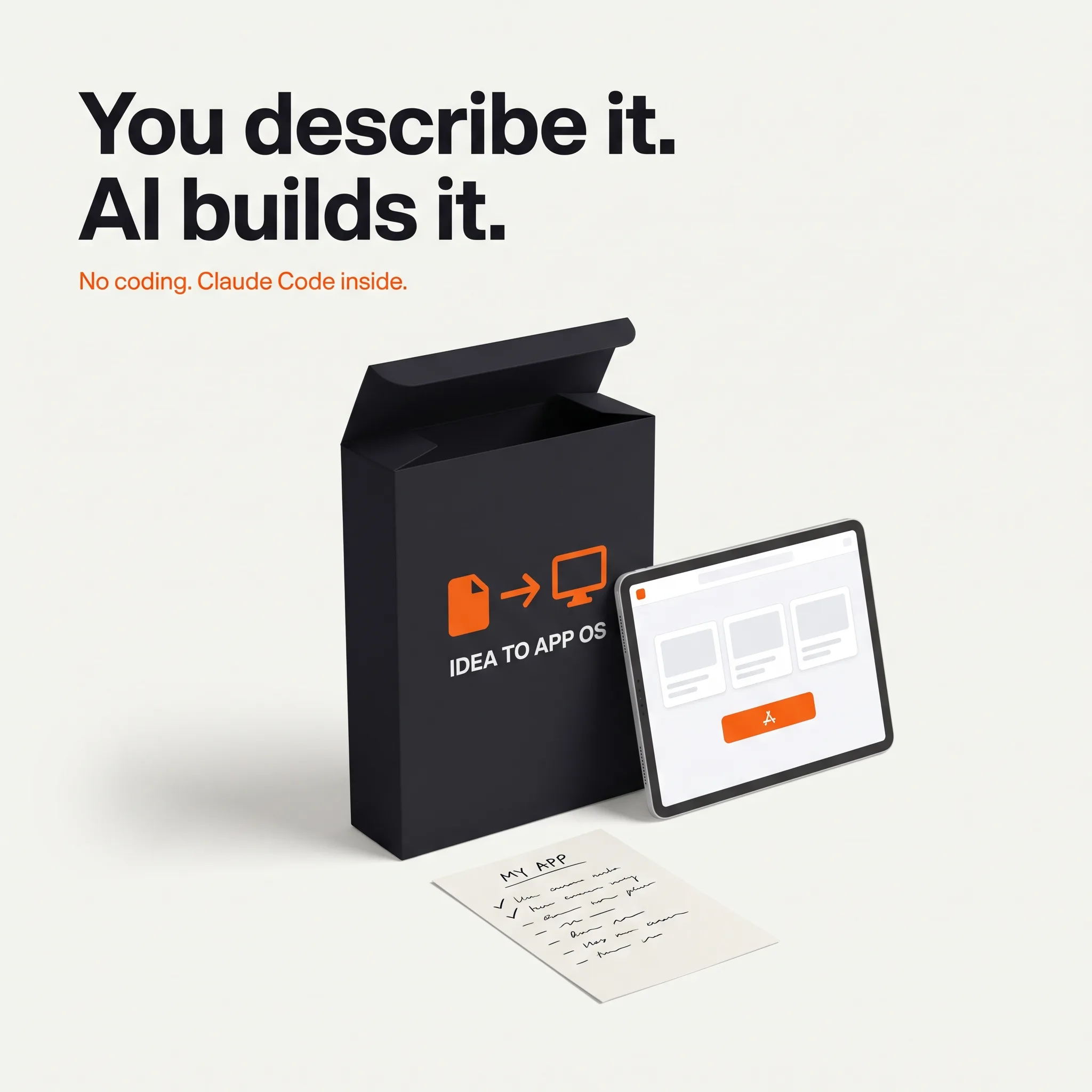
Idea to App OS
Your Software, Built by AI, Directed by You. No Coding.
What it is
You have the idea and the budget. You do not have a developer. Now you do not need one. You tried an AI app builder, or you thought about it.
You have the idea and the budget. You do not have a developer. Now you do not need one.
You tried an AI app builder, or you thought about it. It got you a screen that looks right in an afternoon. Then login broke, or a button did nothing, or it said "fixed" and nothing changed, and the credits kept burning. The agency quote for the same tool was five figures and eight weeks. So the idea sits there.
Idea to App OS is the process between you and an AI developer. You describe, decide and click. Claude Code writes the code. A workflow plugin keeps it disciplined. Seven guides tell you what to say at every step, including the step where most AI-built apps fail: security, data, payments and going live.
What you get
- Guide 01: your idea on one page. Seven questions that turn "an app for my clients" into a spec an AI can build from. A fictional worked example. The exact prompt that starts the build from your page.
- Guide 02: set up your AI developer. Mac and Windows, step by step: Node, Git, Claude Code, the CodeForge plugin, and the four accounts you need. A monthly cost table with honest ranges. A 15-minute check that proves it works.
- Guide 03: directing the build. The session rhythm: brainstorm, plan, execute, review. Sixty minutes, one feature, one checkpoint. What to say and what never to say. What "done" means and how to check it by clicking, not by reading code.
- Guide 04: when it breaks. Fifteen stuck situations with the exact message to send for each. The 45-minute budget rule. The two prompts that take you back to the last working version. When to stop and get a human.
- Guide 05: the last 20 percent. Login without custom code, users only seeing their own data (and the two-account test that proves it), secrets out of the code, security headers, backups, Stripe Checkout in test mode, domain, deploy, monitoring, the pre-launch self-test, and the prompt that makes Claude Code write a security report against the bundled rules.
- Guide 06: launch. Ten people first. The three feedback questions. Bugs before features. A landing page and a pricing page from one prompt. The one number to watch in month one.
- Guide 07: run it without a developer. The monthly 30-minute health check, cost of ownership, the four situations where you should hire a human, and the brief that gets you a good one without handing over the keys.
- Seven templates. One-page spec, developer brief, 20-item security checklist, 25-item launch checklist, 30-prompt library, budget worksheet, session log.
- CodeForge. The Claude Code plugin with 14 skills that forces clarifying questions, a written plan you approve, small tested tasks, a review between steps and a verification pass before anything is called done. Also works with Cursor, Codex and OpenCode.
- Rules and project template. Security, testing and style rules Claude Code follows on every task, and the CLAUDE.md template that tells it who you are and what it must never do without asking.
Three editions
- Standard, $149. Everything above. Free updates for life.
- Pro, $397. Standard plus an Idea Review. You email your one-page spec. Within three business days you get a written build plan: what to build first, what to leave out of v1, the two or three places where your specific idea will hurt, the stack decision, and your first five prompts written for your spec.
- Founder, $697, five per month. Pro plus a Pre-Launch Review and 30 days of email. Before you launch, you email the app URL, two test logins and the security report Claude Code produced. You get back a ranked list of findings, each with the prompt to fix it and how to verify the fix, a payments and deploy check, and a launch verdict. Then 30 days of written questions, answered within two business days.
All reviews are written and delivered by email. There are no calls to book, no time zones to match, and you keep every answer in writing.
Why the last 20 percent gets its own guide
Lovable's own 2026 report says four out of five people building with AI tools have no technical background. A 2026 scan by Escape.tech of more than 1,400 production apps built with AI builders found security issues in 65 percent of them, and at least one critical issue in 58 percent. The common failures are not exotic: one user can see another user's data, a secret key sits in the code, there is no backup, payments were never tested to fail. Guide 05 is a checklist against exactly those, with the prompt for each item.
Built by someone who builds this way
I run an SEO agency and a network of my own websites, and I build and maintain them with Claude Code. The process in these guides is how I direct it, written down for someone who does not read code. The CodeForge plugin is open source; what you are paying for is the playbook, the safety checks, the templates and, in Pro and Founder, my written attention on your specific build.
What this does not promise
No finished app in a fixed number of days. A first app of three to five screens typically takes two to four weeks of one-hour sessions; that is an estimate, not a guarantee. No certification that AI-written code is safe; the guide and the review reduce the common failures, they do not eliminate risk. Nothing here is legal, security or financial advice. Guide 07 is honest about the four cases where you should hire a developer.
The math
Published 2026 guides put a freelancer-built MVP between $3,000 and $15,000 and an agency build between $8,000 and $40,000. Standard costs less than one hour of that. Founder costs less than one day of it, and you keep the process for the next idea.