Content Creator Bundle
Writing and SEO Templates
What it is
Your writing lives in five apps and none of them tell you if you're on track. Word counts in one doc, deadlines in your head, keyword numbers in a…
Your writing lives in five apps and none of them tell you if you're on track.
Word counts in one doc, deadlines in your head, keyword numbers in a screenshot, and a to-do list you stopped opening. You work every day and still can't say whether this week was a good one.
When nothing is tracked, you only notice the slump after it has cost you a month of output.
What you get
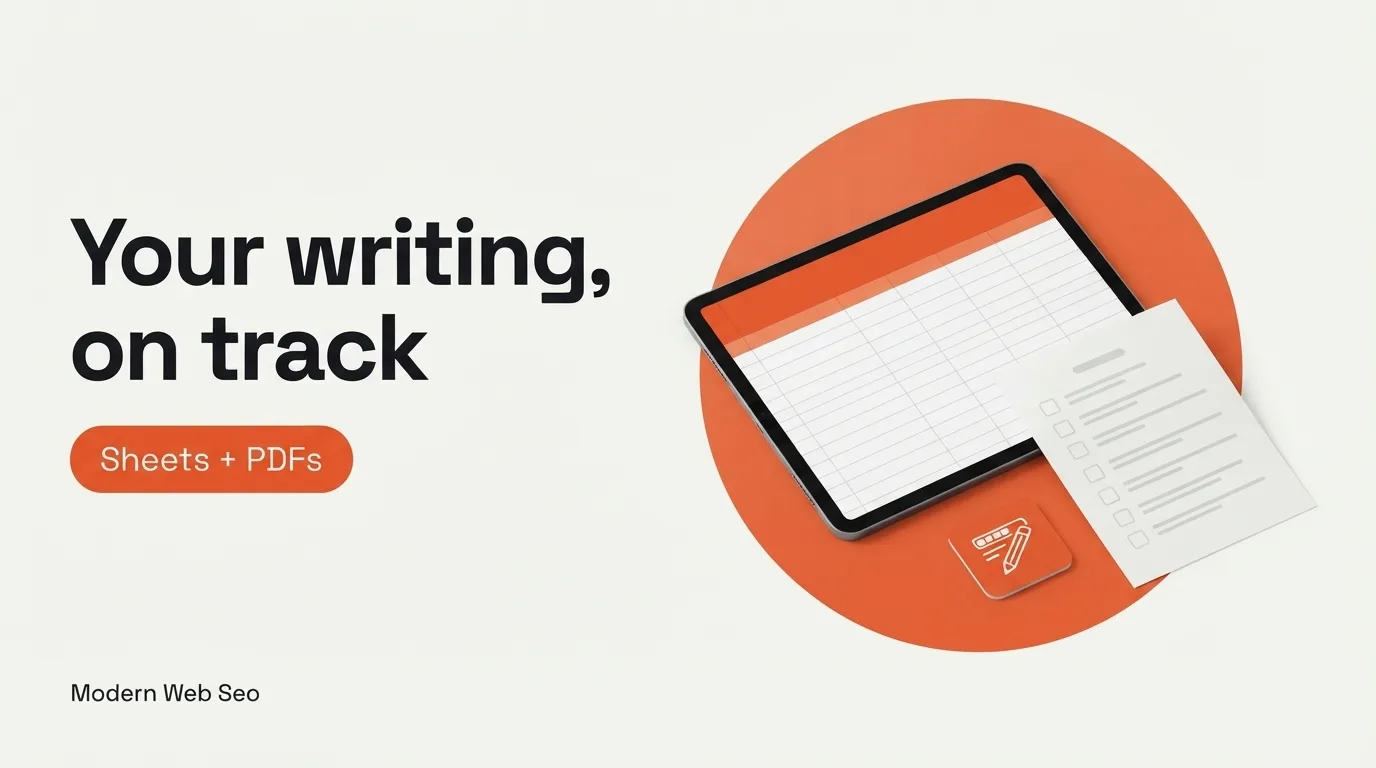
Content Creator Bundle is six ready-to-use templates for writers and creators: three Google Sheets to track the work and three printable PDFs to plan it.
- Word Count Tracker (Google Sheets): set daily, weekly or monthly targets, log words and watch the progress bar
- Project Management (Google Sheets): tasks, deadlines and status for every content project
- SEO Data Analysis (Google Sheets): log keywords and traffic, with simple charts and pivot tables
- Daily/Weekly Writing Planner (PDF): targets, completed words and priority tasks on one page
- Content Creation Checklists (PDF): separate checklists for creating, editing and publishing
- Inspiration Quote Cards (PDF): five writer-focused quote cards in 4x6 inch format
Built by a practitioner
Built by İsmail Günaydın, software engineer and SEO/GEO strategist, and the maker of the free word counter at TextWordCount.com. The templates are plain and practical: open, copy, start typing.
How you use it
- Monday. Set this week's word target in the tracker and the planner.
- During the week. Move each post or video through the project sheet from draft to published.
- Before publishing. Run the publishing checklist so the meta description and links are never skipped.
- End of month. Log keyword and traffic numbers in the SEO sheet and see which topics earned their time.
Inside
- 3 Google Sheets templates, delivered as links you copy into your own Drive
- 3 printable PDFs
- Free to use for personal and client work
Who it's for
- Bloggers and writers working toward word count goals
- YouTube and social creators juggling several projects
- Freelancers who need a light project tracker without a paid app
Not for you if you already run your content in Notion, Airtable or a project tool you like. This bundle is for people who want simple spreadsheets and printables.
Questions
Do I need a Google account?
Yes, for the three Sheets templates. You make a copy into your own Drive and edit it there. The PDFs work without an account.
Can I use it for client work?
Yes. The templates can be used for personal and professional projects.
Does the SEO sheet pull data automatically?
No. You enter keyword and traffic numbers from the tool you already use, and the sheet organizes and charts them.
Can I change the templates?
Yes. Once copied, the Sheets are yours to edit, and the PDFs can be printed as many times as you like.
How is it delivered?
You get a file in your Gumroad library with the Google Sheets links and the PDFs, available right after purchase.